
IPTV Installation Guide
Follow our step-by-step guide to install IPTV Smarters PRO on Smart TV, Firestick, Android, iPhone, Windows and MAG Box.
Get IPTV NowChoose Your Device
Select your device and follow the installation steps.
📺 Smart TV Installation
Install IPTV Smarters PRO on your Smart TV or Android TV.
Open Google Play Store
Open Google Play Store on your Smart TV or Android TV.
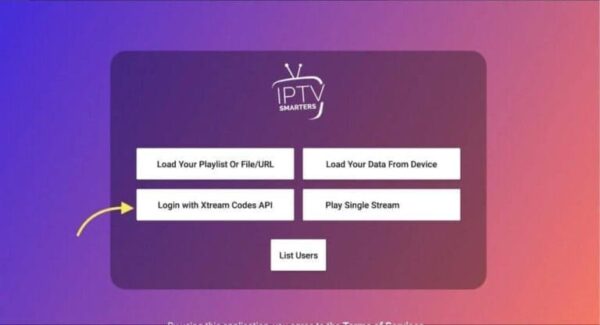
Login With Xtream API
Choose Xtream Codes API and enter your IPTV details.
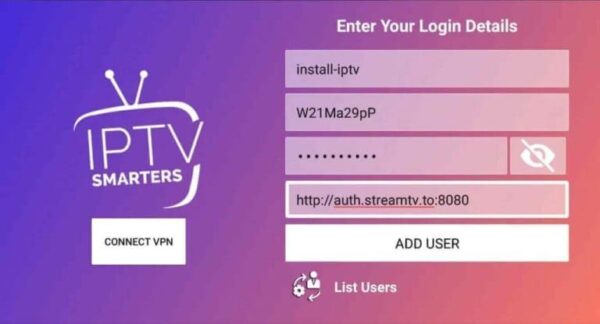
Start Watching
Enjoy channels, movies and series instantly.
🔥 Firestick Installation
Install IPTV Smarters PRO using Downloader on Firestick.
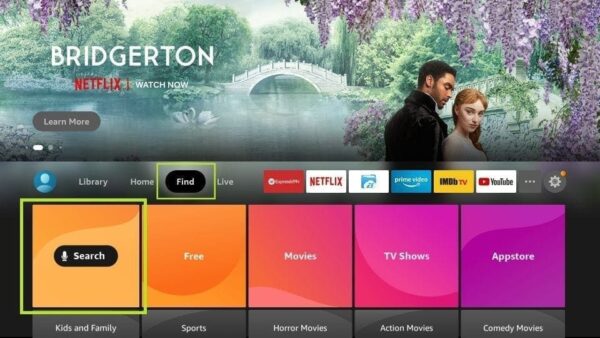
Install Downloader
Search Downloader app on Firestick and install it.
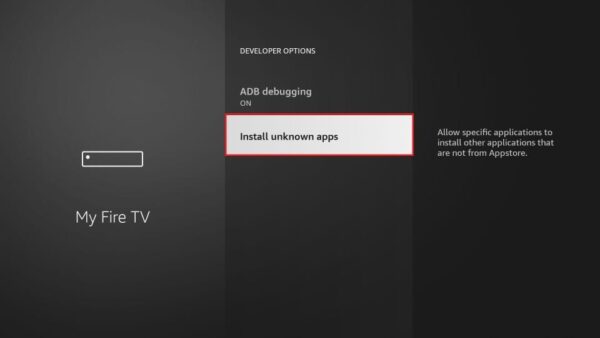
Enable Unknown Apps
Allow Downloader to install external apps.
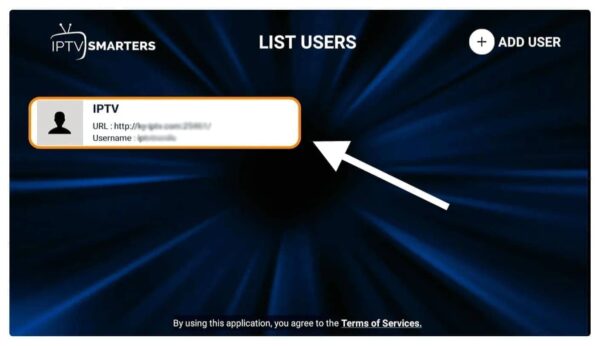
Login & Enjoy
Add IPTV details and access live channels.
🍎 Apple / iOS Installation
Use Smarters Player Lite on iPhone, iPad or Apple TV.
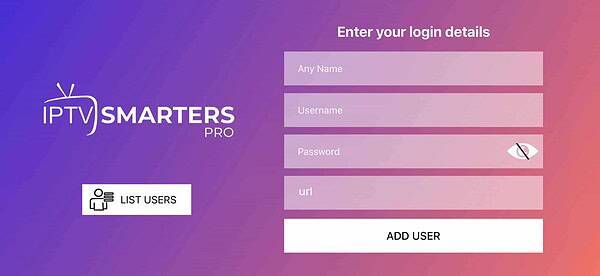
Install Smarters Lite
Download Smarters Player Lite from App Store.
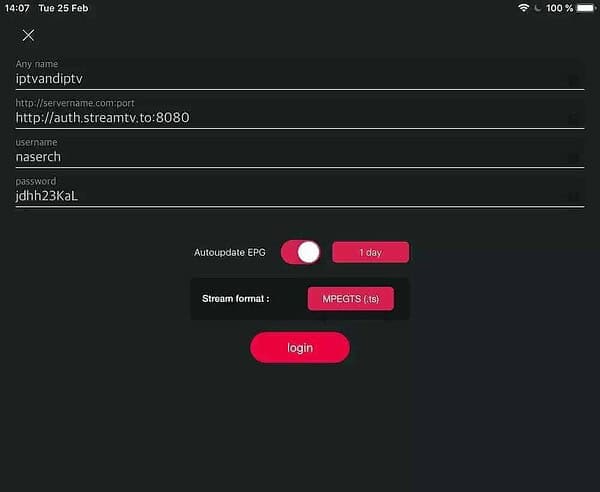
Add IPTV Account
Login with Xtream Codes API.
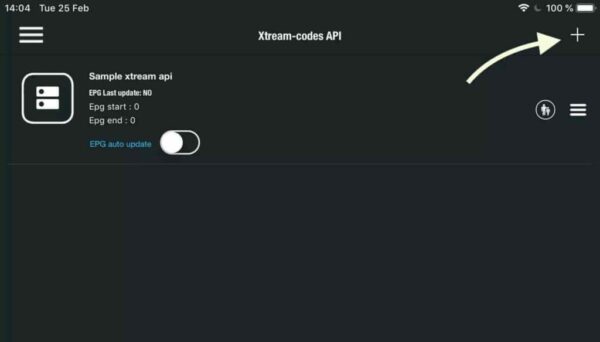
Download Channels
Wait until IPTV channels and VOD load completely.
🤖 Android / TV Box Installation
Install IPTV Smarters PRO on Android phones and TV boxes.
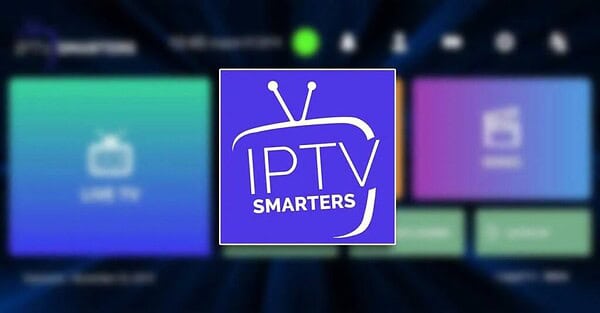
Install IPTV Smarters
Download IPTV Smarters PRO from Google Play.
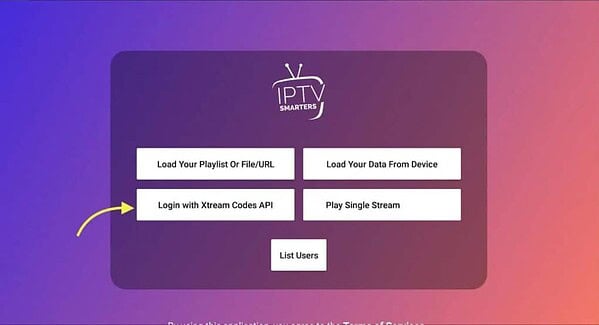
Enter IPTV Details
Add username, password and portal URL.
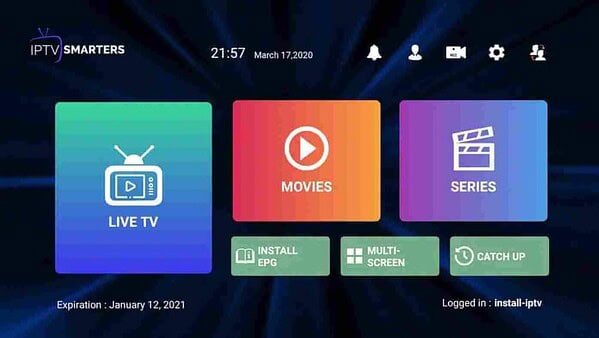
Watch IPTV
Enjoy movies, series and live channels.
🖥 Windows / PC Installation
Watch IPTV directly on your Windows computer.
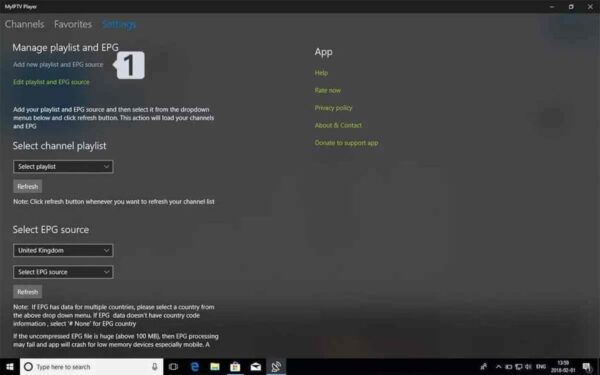
Open My IPTV Player
Open the IPTV application on Windows.
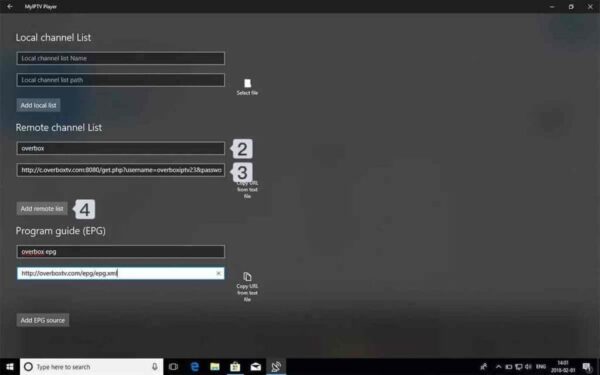
Add Playlist
Paste your M3U playlist URL.
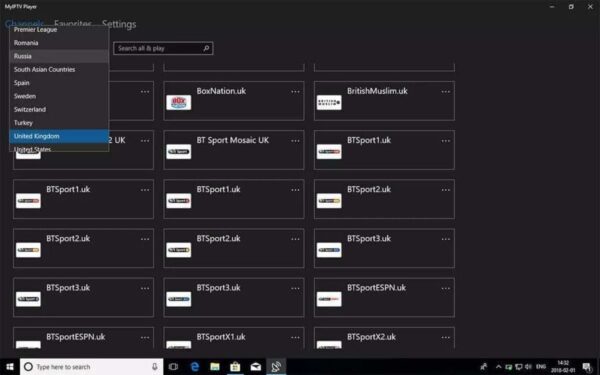
Start Watching
Enjoy IPTV channels directly on PC.
📦 MAG Box Installation
Configure portal URL on your MAG device.
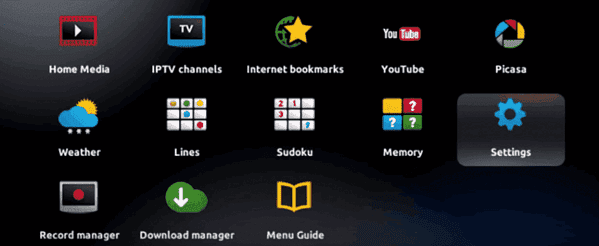
Open Settings
Go to Settings using your MAG remote.
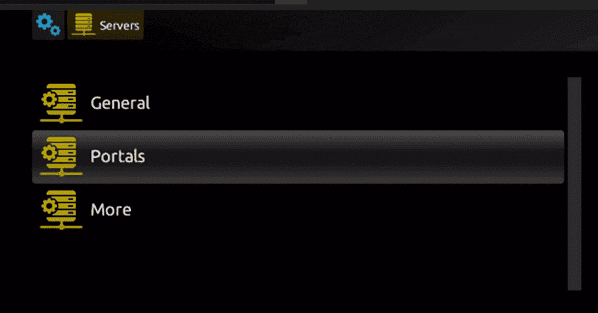
Configure Portal
Enter your IPTV portal URL.
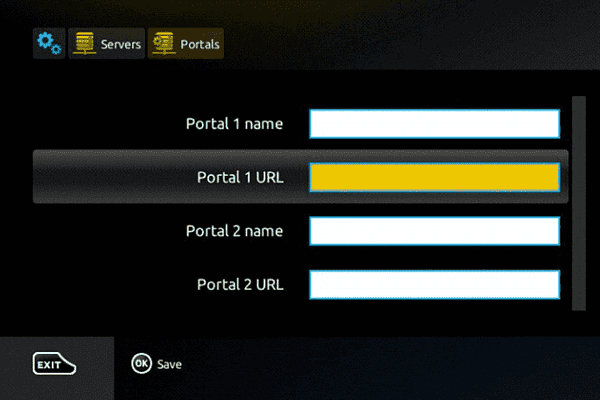
Restart MAG Box
Save settings and restart your device.
Need Help Installing IPTV?
Contact our support team and we will help you step by step on Smart TV, Firestick, Android, iPhone, Windows and MAG Box.